
Business IT for teams that are almost never at a desk.
Email at your own domain, Microsoft 365 and Google Workspace, staff access and backups, set up so they keep working from a ute with two bars of signal.
The office is a phone, and the phone is often out of range.
Most South Coast businesses do not have an IT problem in an office. They have one on the road.
The trade running from Milton to Bawley Point. The charter operator whose desk is a clipboard on a boat. The practice with rooms in two towns and one shared calendar. The shop where the owner does the books at the kitchen table on a Sunday night. Then there is the coverage. Signal drops out along stretches of the coast road and in plenty of the places people actually work. When email and files do not behave on a phone, staff invent their own workarounds within a week: attachments emailed to themselves, three versions of the same quote, the important one saved to a laptop that never gets backed up. Nobody decided that. It just happens, and then it is how the business runs.
Underneath it there is usually an older problem. A lot of good businesses here still run on an address ending in bigpond, optusnet or hotmail. It is on the ute and the invoices and it has worked fine for fifteen years, which is exactly the problem, because it cannot be shared properly, it belongs to a telco rather than to you, and the day that account closes it takes twenty years of correspondence with it.
The unglamorous half of the job, and the half that stops the day.
Moving you off a telco address onto your own domain
Mail, contacts and calendars moved across with the history intact, the old address left forwarding as long as you want it, and the changeover run so your team keeps working through it.
Microsoft 365 or Google Workspace, picked on how your day runs
Not whichever is easier for us. The comparison below is the real one.
Set up so it works on a bad connection
Mail and files that sync when the signal returns rather than failing outright, and files stored somewhere the whole team reaches instead of on one laptop in one vehicle.
Starting people, and finishing them properly
Accounts created properly when someone starts and shut off the day they finish, which matters here because a lot of the region takes on people for a season. Two-factor where it counts, and a written record of who can reach what.
Backups, with an honest answer about what yours actually keeps
Deleted is not the same as recoverable and the window is shorter than most people assume. You get it in writing before you find out the hard way.
A number that reaches the people who set it up
(02) 4408 3106, Monday to Friday, 9am to 5pm.
Google Workspace or Microsoft 365, and which one suits how you work.
Only two platforms do this properly. Everything else is a compromise you eventually pay for. Both put your addresses on your own domain, with mail on every device, shared calendars, storage and admin controls that suit a business. The thing that decides it is where your crew actually does the work.
Google Workspace
Everything lives in the browser. Gmail, Drive, Docs, Sheets, Slides and Meet, from any machine with a login and from a phone without complaint. Nothing to install, so a new starter is working within the hour, and the admin side is simple enough that an owner can add a mailbox without ringing anybody.
Three plans, by name. Business Starter gives you email at your domain, the full app set and a modest storage allowance each, which suits a small team whose files are quotes, documents and job photos. Business Standard is the same tools with substantially more storage each and larger recordable meetings, and it is where most businesses land, usually because of the storage. Business Plus adds more storage again, stronger admin controls and Vault for holding and searching old mail, which matters if you may ever have to produce old email on request.
Microsoft 365
Outlook, Word, Excel, PowerPoint and Teams, installed on the machine rather than living in a tab. When the bookkeeper, the estimating package and the accountant all expect Microsoft, fighting that costs more than it saves.
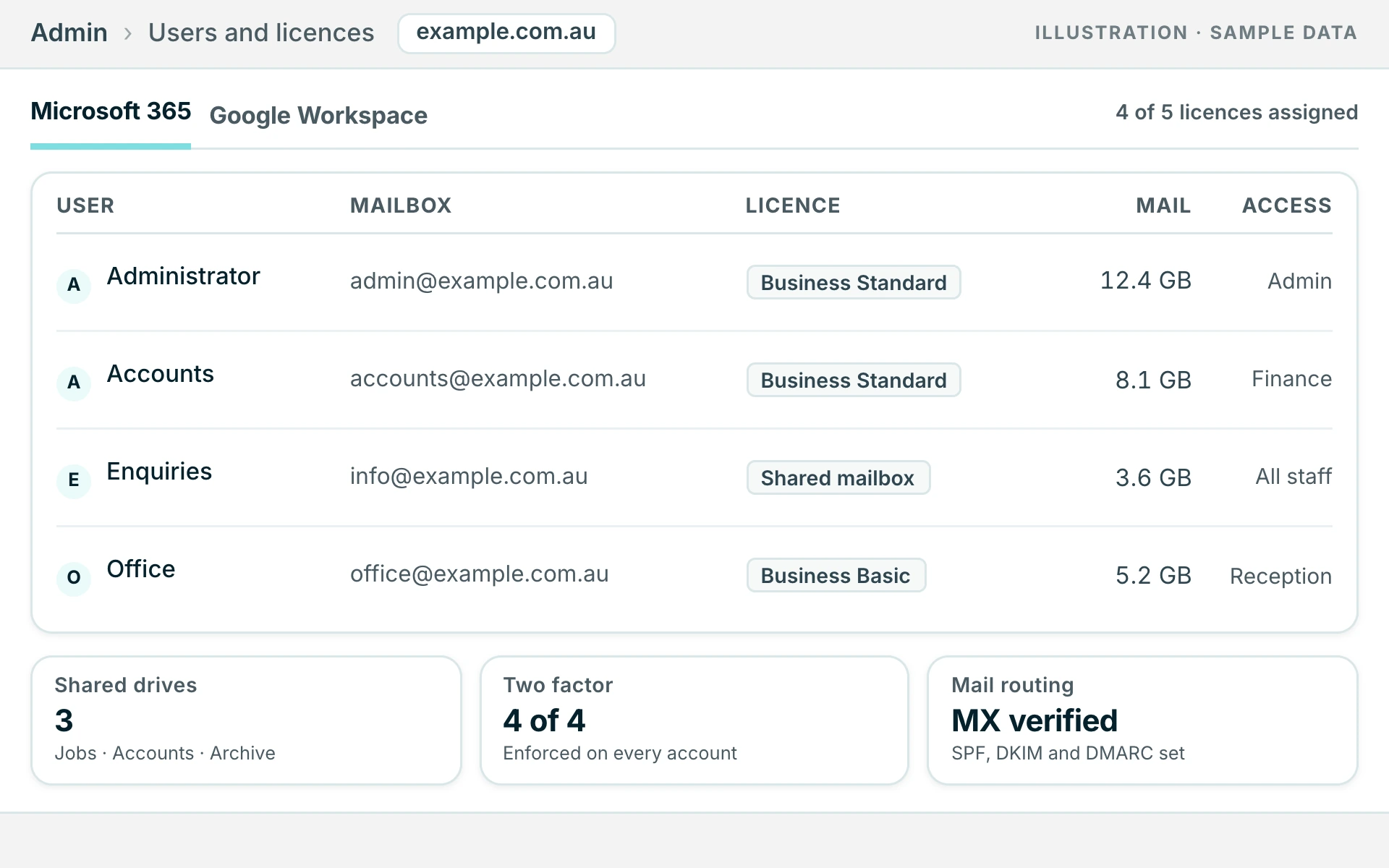
Four to know. Business Basic is Exchange email, Teams, SharePoint and OneDrive using the web and mobile versions of the Office apps, which is fine when nobody needs Excel installed. Business Standard adds the proper desktop apps and is the common choice. Business Premium adds device management and stronger threat protection, so a phone lost off a boat can have the business data pulled off it remotely, which is less theoretical here than it sounds. Exchange Online plans are mailboxes only with no Office apps, worth knowing about for staff who need an address and nothing else.
What does your busiest person open first in the morning?
One question settles it more often than any comparison table.
If the answer is a browser, Google Workspace will be simpler to own and the storage goes further. If the answer is Outlook or a spreadsheet with real formulas in it, or if your job management or estimating software assumes Microsoft, the argument is over and Microsoft 365 wins.
Two things override the question. A contract, insurer or auditor requiring device control or mail retention points at Microsoft Business Premium regardless. And a team where two or three people need to be in the same file at once, rather than emailing versions around, points at Google Workspace regardless.
Ending up on the wrong platform is not permanent. Switching between them is ordinary work, and it gets booked for a quiet stretch so nobody loses a trading day. Mail, contacts and calendars are carried over with it. It is worth fixing and it is not worth panicking about.
The limits, said out loud before you pay for anything.
You should hear this before you pay us, not afterwards.
- Our cover is business hours only.
- Monday to Friday, 9am to 5pm. There is no overnight watch, no on-call roster and no monitoring room. If your business genuinely cannot function without cover at three in the morning, you need a managed service provider, not us, and we will tell you that on the first call.
- We do not do servers or networks.
- Racks of on-site hardware, or a network running between several premises, is a specialist trade and we are not in it.
- What we are is the one supplier holding the three things that keep turning out to be the problem.
- The website, the domain and the email, on one number, with the admin logins written down and handed to you rather than kept as leverage. Most small business technology problems turn out to be one of those three, and they are usually held by three different suppliers who have never spoken to each other.
What owners ask once the invoice has already been paid twice.
Asked by owners and office managers who have been putting this off for a while.
Everything still goes to a bigpond address. What is involved in getting off it?+
Less than owners expect, almost every time. We set up mail at your own domain, bring your existing mail, contacts and calendars across, and leave the old address forwarding for as long as you like so nothing gets missed. We confirm mail is arriving at the new end before anything is switched off at the old one.
Someone finished up months ago and we think they can still read the mail.+
Ring us the same day. Shutting an account down takes minutes once we can get to the admin login, and the hold-up is nearly always finding out who has that login. We close the account, work out what it could still reach, and leave you with a routine so the next person who finishes is a five minute job.
Half our staff are seasonal. Is that a problem?+
It is the most common version of the same problem and it is entirely manageable. Starting and finishing an account becomes a five minute routine instead of something nobody remembers to do, and you get a list of who currently has access that you can actually read.
Our signal is terrible. Can you do anything about that?+
Not about the coverage itself, no. What we can do is set things up so a dropout is an inconvenience rather than a lost afternoon: mail and files that queue and sync when the signal comes back, and nothing important living only on one device.
Do you cover nights and weekends?+
No. We are a web and marketing team that also looks after business IT, not a managed service provider with people watching screens overnight. We agree a response time with you up front rather than promising something we cannot hold to.
Do we have to buy the licences through you?+
No. Microsoft 365 and Google Workspace licences are charged per user and you can buy them direct if you would rather. Plenty do, and we will still work on the account. Our own work is either a fixed quote for a defined job like a setup or a migration, or an ongoing arrangement sized to what you actually need.
The other seven, and why one supplier holds all of them.
The rest of what we look after, on the same number and the same invoice.
Tell us what you are running now, how many people need email, and which part of it falls over when the signal drops. We will tell you what is worth changing, what is fine, and what it would cost to sort out properly.
The quote is free, fixed in writing and yours to sit on. Nobody here will ring you every Tuesday about it.